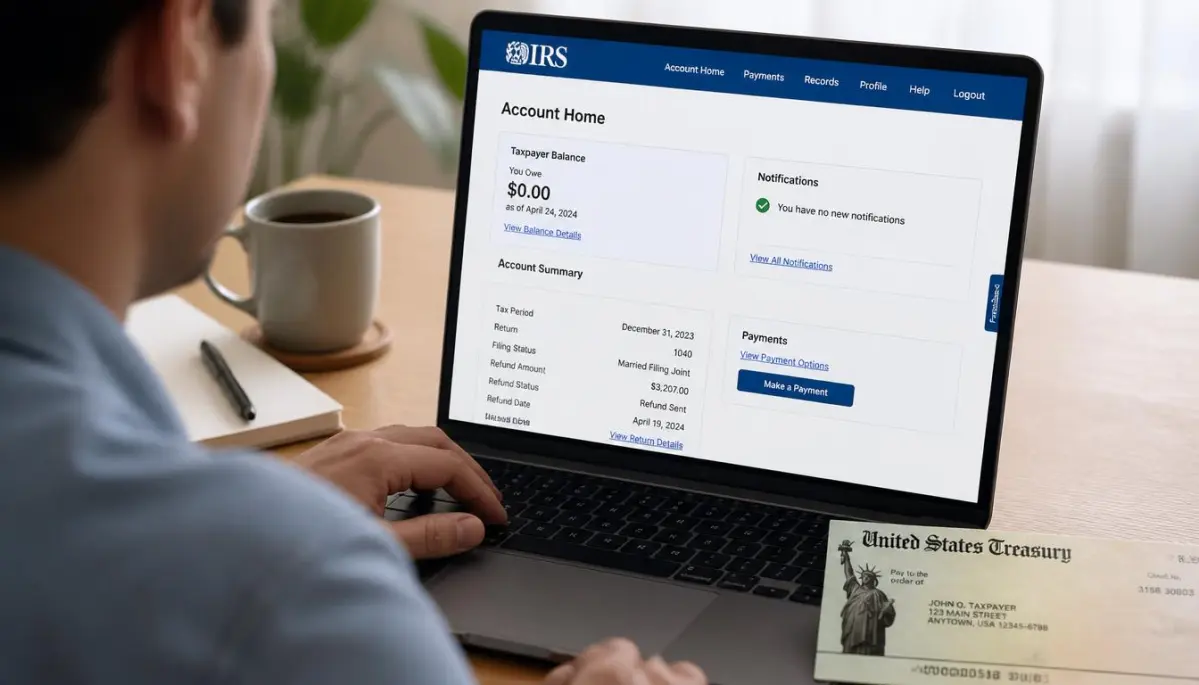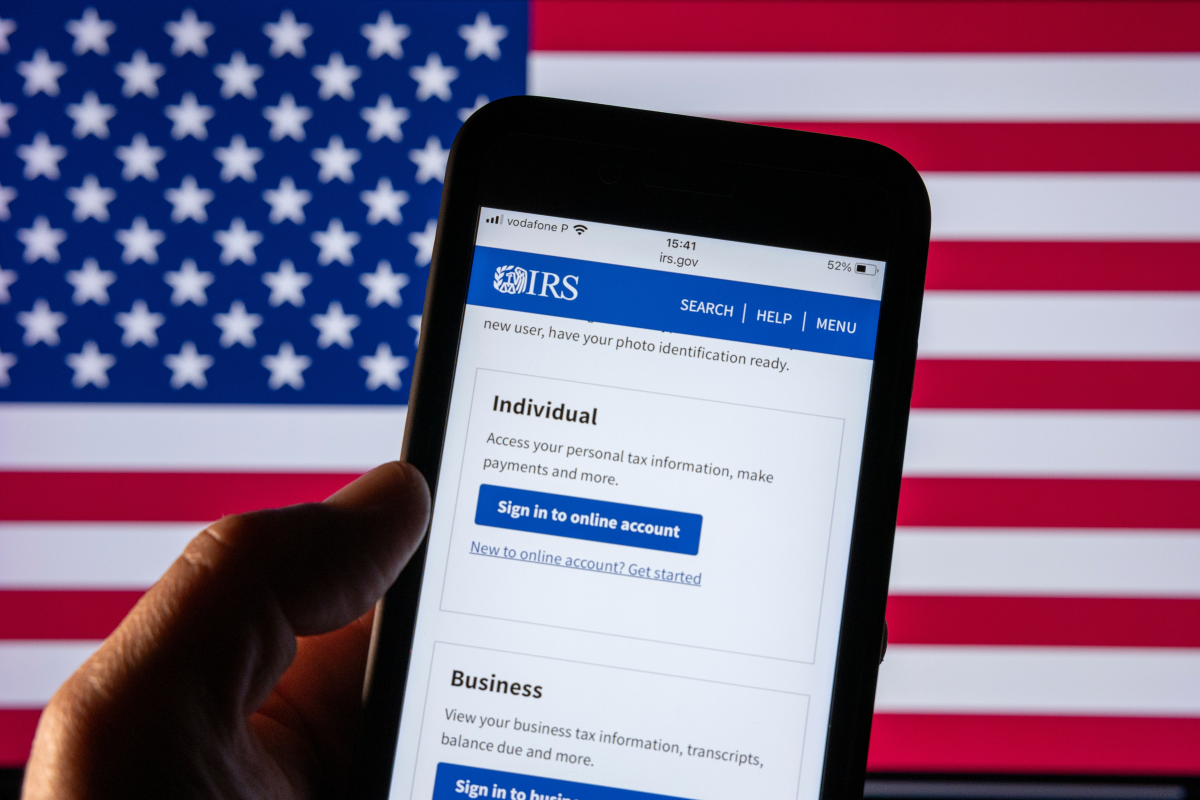
The Internal Revenue Service (IRS) has just taken a step that could make your life easier if every tax season you end up hunting for documents, checking your refund, or trying to figure out how much money you owe the government.
As of September 25, 2026, the agency has a new mobile app that replaces IRS2Go. And this is not merely a name change: you can now access more information about your tax account directly from your phone.
The tool is free, available in Spanish and works on iPhone and Android devices. According to the IRS’s official announcement, the goal is to expand digital services and allow taxpayers to resolve more tasks without relying on a computer.
What can you do with the new IRS app?
The most important difference compared to IRS2Go is that the new version incorporates features related to your personal tax account.
In addition to checking the status of your refund, you can now securely sign in to access other services.
Among the available features are:
The availability of some tools depends on your tax situation and the features enabled for your account.
This is especially useful if you need to verify a prior payment or retrieve information about your taxes without digging through documents stored for years.
How to download the new IRS app on your smartphone?
If you already have IRS2Go installed, you don’t need to download another application. The change will come via an automatic update, provided that you have that option enabled on your phone.
If updates are disabled, you can go to the app store and update it manually.
To download it for the first time, follow these steps:
The app requires iOS or iPadOS 15.1 or later, or Android 7.0 or later.
Do you need to create an account to check your refund?
Not necessarily. You can continue to check the status of your refund, make certain payments, and find free assistance to prepare your taxes without signing in.
However, to access personal information from your account you need to identify yourself through the IRS’s secure system, which uses ID.me.
The app opens a secure browser window to verify your identity and then returns you to the mobile tool.
How to avoid fake IRS apps?
Here it is important to pay special attention. The arrival of a new app can also be exploited by scammers who try to pose as the government to obtain banking or personal information.
The IRS recommends downloading the tool only through its official links and to distrust ads or messages that promise immediate access to your account.
The IRS will not ask you for confidential financial information via text messages, unexpected emails, or pop-up windows.
If you receive a suspicious link, do not open it. Go directly to IRS.gov to verify whether the information is authentic.
The new app also does not replace all the site’s services. For now, it expands certain functions of individual accounts, while tools for businesses and tax professionals remain available at IRS.gov.
For those who work long hours and need to resolve their taxes between tasks, being able to review a notification or check a payment from your cellphone represents a practical alternative. The key is to use the official tool and know which procedures you can complete without leaving home.